




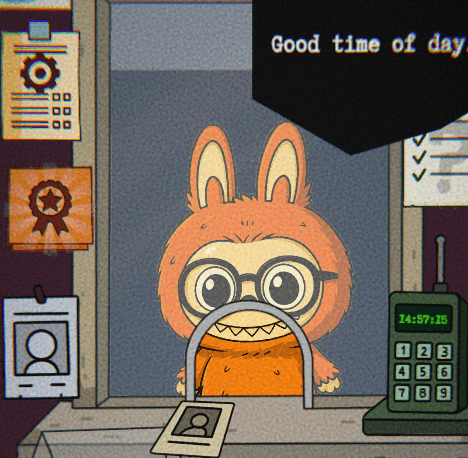

Sprunki 12 Shifted - A Glitchy Rhythm Rollercoaster
Play Sprunki 12 Shifted instantly in your browser - No download required!
Share Sprunki 12 Shifted with Friends!
Discover More Sprunki 12 Shifted
2048
Sprunki Phase 11
Sprunki 2048
Parasite (Incredibox Mod)
Sprunksters Episode 2: The Cave
Sprunki Wenda Treatment 3.0
Musical Melons – MelonBox V1
Dandy’s World Pyramixed Edition

Territorial.io
It's Not My Neighbor: Labubu

Chibi Unicorn Dress Up

Tina - Pop Star

Sprunki Ice Mod - Aqua
Incredibox - Sprunki Pokemon
Sprunkibox-Sky’s MASSACRE
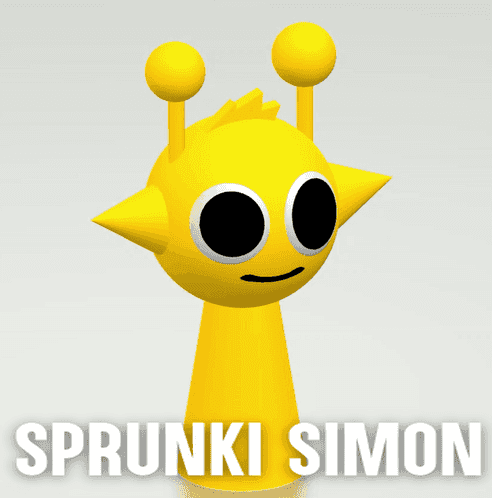
Sprunki Simon
Bite-Size Beats
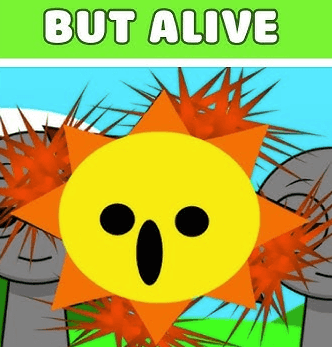
Sprunki Anti-Shifted But Alive
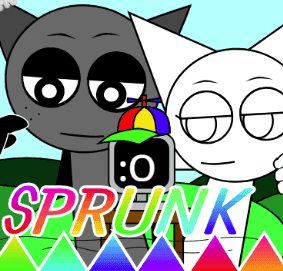
Sprunki Wenda’s Dimension
Sprunki Retake (New Human Version) with Bonus
Sprunki Regretful 5.0
Sprunsi V1001
Sprunki.MSI Phase 4

Five Nights At Freddy's 2
Sprunki Anti-Shifted: Phase 3

Tap Rich Idle
Sprunki Shifted: Partners in Carnage
Sprunki Phase 56
Draw Sprunki Car With Physics!

I'm Not A Robot
Explore Other Exciting Games
2048
Sprunki Phase 11
Sprunki 2048
Parasite (Incredibox Mod)
Sprunksters Episode 2: The Cave
Sprunki Wenda Treatment 3.0
Musical Melons – MelonBox V1
Dandy’s World Pyramixed Edition
Territorial.io
It's Not My Neighbor: Labubu
What Is Sprunki 12 Shifted?
It's a rhythm mashup where the usual Sprunki vibe gets cranked through a weird filter, making every beat, character, and animation feel slightly off-kilter. You're still mixing sounds and catching the rhythm, but the whole package leans into its own glitchy charm. Think of it as Sprunki after it stared at a static screen for too long.
How to Play
Load up and listen
Drop in and let the track start rolling. The whole vibe is about feeling the beat, so give your ears a second to settle into the shifted tempo. It's not the Sprunki you remember.
Pick your sound layers
Drag or click different characters and icons onto the stage to stack up beats, melodies, and weird little samples. Each layer adds another flavor to the mix.
Time your taps to the rhythm
Hit your inputs when the beat lines up. Timing matters here, especially with the warped timing windows this version throws at you.
Layer combos for bonus drops
Stack compatible layers fast and watch the track mutate. Some combinations unlock bonus audio chunks or visual effects.
Restart, swap, experiment
Nothing's permanent. Wipe the board and try totally different layer combos to chase new sounds, animations, or hidden surprises.
No Download Needed
Sprunki 12 Shifted runs straight from your browser tab, so there's nothing to install or update. Open the page, drop a beat, and you're already playing. It works on most devices without any extra plugins.
FAQs
Is Sprunki 12 Shifted free to play?
Yep, it's totally free in your browser. No subscription, no trial, no surprise paywall halfway through a combo.
Do I need to sign up or make an account?
Nope. Click and play. Your combo skills are your only login.
How is this different from regular Sprunki?
The audio, visuals, and timing windows all feel slightly warped. It's still a rhythm mix game, but the whole thing is dialed one notch past normal.
Can I play on school or work networks?
It's unblocked and runs straight in the browser, so most networks won't give you trouble. Use your own judgment though.
Does it work on mobile?
It runs on most modern browsers, including mobile ones. A bigger screen definitely helps with the timing windows, though.
Are there any hidden characters?
Yes, secret layers unlock through specific layer combos. Experiment and you'll stumble into them.
Do I need to download anything?
Nothing at all. The whole thing lives in your browser tab.
Is the timing harder than normal Sprunki?
It's not brutally harder, but the timing windows and tempo feel different, so expect a short relearn curve.
Can I save my mixes?
There's no official save system, so just screenshot or share your favorite layer combos with friends.
Is there a way to mute the visuals?
Audio is the main event here, so there's no pure-visual mode. Just mute your tab if you need quiet.
Who made Sprunki 12 Shifted?
It comes from the same fan community that keeps the Sprunki series alive with weird remixes and spin-offs.
Will more Sprunki games come out?
The Sprunki scene keeps churning out new takes, so it's safe to expect more strange versions down the line.
Tricks & Tips
Layer order matters
Dropping a bass layer first and building upward usually gives you a cleaner mix than stacking everything at random. The order on stage affects how the audio blends.
💡Start with one bass or drum layer, then add melody and texture on top.
Read the visuals for timing
The animations pulse and twitch with the beat, so keep an eye on the characters when audio timing feels fuzzy. They give you a visual metronome.
💡When in doubt, follow the flicker, not the ear.
Chase hidden layers slowly
Hidden characters tend to pop when you add or remove specific layers in a certain sequence, not when you spam everything at once. Slow swaps beat rapid clicking.
💡Try swapping one layer at a time and listen for new sounds.
Use reset to reset your ear
If the mix starts sounding like noise soup, wipe the board and start from a fresh layer. It helps recalibrate your timing.
💡Reset every few combos to keep your hits tight.
Features
Shifted audio design
Every loop and sample feels nudged sideways, giving the whole track a slightly haunted, off-tempo energy.
Twisted Sprunki visuals
The cast is back, but with stretched sprites, flicker frames, and animations that feel like a corrupted VHS tape.
Endless layer combos
Mix and match characters to remix the beat in real time, with results ranging from catchy to certifiably cursed.
Hidden unlocks
Certain layer combinations trigger secret characters and bonus tracks that aren't on the main menu.
Browser-only chaos
No installs, no launcher, no fuss. Just open the page and the weird starts playing immediately.
Why Play Sprunki 12 Shifted
Beats that feel broken
The shifted audio design gives you tracks that sound like Sprunki after a minor existential crisis. Weirdly addictive.
Glitch art energy
Visuals wobble, flicker, and stutter in the best possible way. It's a vibe more than a clean aesthetic.
Combo lab vibes
Layering different sounds is half music game, half mad scientist experiment. You'll keep tweaking just to see what happens.
Instant on, zero setup
Browser tab open, game running, beats dropping. No installs, no loading screens that ask for your soul.
Unblocked everywhere
Plays on most networks without fuss, perfect for sneaking a quick session between other tabs.