






CaptchaWare - Prove You're Human (Barely) Online
Play CaptchaWare instantly in your browser - No download required!
Share CaptchaWare with Friends!
Discover More CaptchaWare
2048
Sprunki Phase 11
Sprunki 2048
Parasite (Incredibox Mod)

Sprunksters Episode 2: The Cave

Sprunki Wenda Treatment 3.0
Musical Melons – MelonBox V1

Dandy’s World Pyramixed Edition

Territorial.io
It's Not My Neighbor: Labubu

Chibi Unicorn Dress Up

Tina - Pop Star

Sprunki Ice Mod - Aqua
Incredibox - Sprunki Pokemon
Sprunkibox-Sky’s MASSACRE
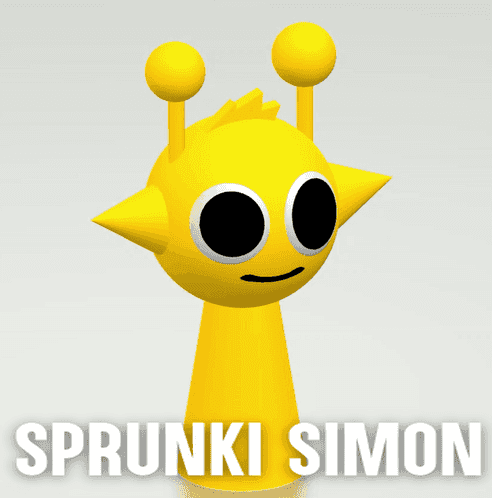
Sprunki Simon

Bite-Size Beats

Sprunki Anti-Shifted But Alive
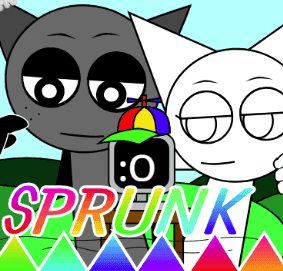
Sprunki Wenda’s Dimension
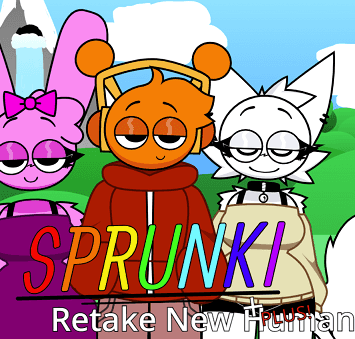
Sprunki Retake (New Human Version) with Bonus
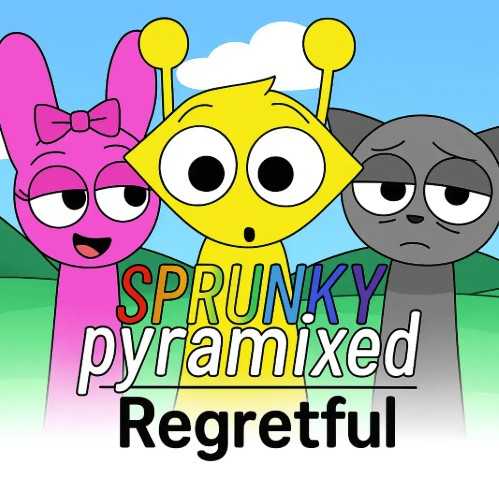
Sprunki Regretful 5.0

Sprunsi V1001
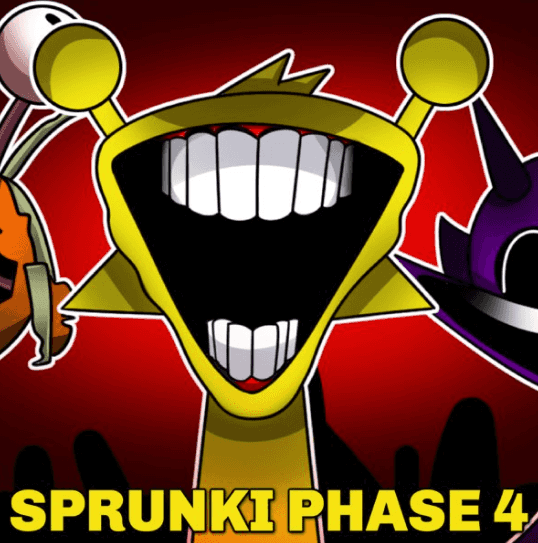
Sprunki.MSI Phase 4

Five Nights At Freddy's 2
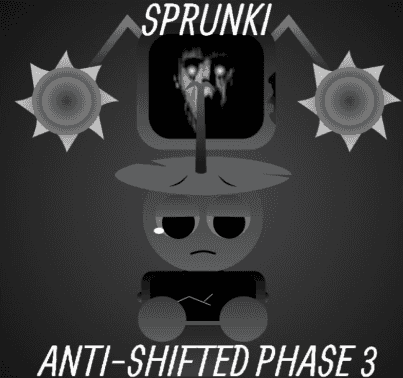
Sprunki Anti-Shifted: Phase 3

Tap Rich Idle

Sprunki Shifted: Partners in Carnage

Sprunki Phase 56
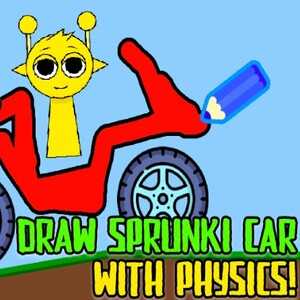
Draw Sprunki Car With Physics!

I'm Not A Robot
Explore Other Exciting Games
2048
Sprunki Phase 11
Sprunki 2048
Parasite (Incredibox Mod)
Sprunksters Episode 2: The Cave
Sprunki Wenda Treatment 3.0
Musical Melons – MelonBox V1
Dandy’s World Pyramixed Edition
Territorial.io
It's Not My Neighbor: Labubu
What Is CaptchaWare?
CaptchaWare is a frantic microgame collection where every round throws a weird, twisty CAPTCHA test at your face and expects an answer before the timer dies. Picture the normal "click all squares with traffic lights" torture, cranked up to arcade speed with stranger prompts. It's a reflex test disguised as a bot-checker having a meltdown.
How to Play CaptchaWare
Read the Prompt Fast
Each microgame pops up with a CAPTCHA-style instruction. You get a couple seconds, maybe less, so scan it instantly.
Click or Type Your Answer
Most rounds are mouse-clicks on the right tiles, but some want a quick keystroke or a drag. Whatever the prompt says, do it now.
Watch the Timer
There's always a clock melting down in the corner. Hesitate and the round's gone, score wiped.
Chain Streaks for Points
Correct answers in a row build a multiplier. One wrong click or a missed timer and the streak breaks.
Survive the Curveballs
Later rounds swap the rules mid-prompt or throw visual tricks like swapped colors. Stay sharp.
Chase the High Score
Endless mode keeps going until you slip up, so your personal best is the real boss to beat.
CaptchaWare FAQs
Is CaptchaWare actually about real CAPTCHAs?
Kind of! It borrows the look and feel of those "prove you're human" tests and warps them into arcade puzzles. It's satire with a timer.
Do I need to log in to play?
Nope. Just open the page and the game throws its first challenge at you immediately.
Can I play CaptchaWare on my phone?
It depends on the build, but it's designed for mouse and keyboard first. Some prompts might be rough on touch screens.
What happens when I fail a round?
Your streak resets and you lose any active multiplier. In endless mode the run ends; in practice modes you just lose points.
Are the prompts randomized?
Yes. The game pulls from a pool of challenges and shuffles them, so you can't just memorize an order.
How long is a typical run?
A solid streak lasts anywhere from one to five minutes depending on how twitchy your fingers are. Short and snackable.
Is CaptchaWare unblocked at school?
Since it runs in a browser tab like any other webpage, availability depends on your network's filters. We can't promise anything, but it's lightweight.
Does it save my high score?
Your browser may cache the best run locally, but there's no cloud account tracking. Clearing site data will wipe it.
Are there difficulty levels?
The game ramps up naturally as you survive longer. Early rounds are forgiving; later ones get sneaky fast.
Can I slow down the timer?
Not really. The whole point is the speed. If you want easier, just aim for shorter streak goals.
What kind of puzzles show up?
Think "click the weird one," type the flipped word, drag the right tile, dodge the trick color swap. Classic bot-check chaos with extra steps.
Is there a pause button?
Probably not, and honestly pausing kills the vibe. You're meant to stay locked in.
Will it teach me anything about real CAPTCHAs?
Only that they're annoying. This is pure arcade fun, not a tutorial on cybersecurity.
Can I play with friends?
It's single-player, but high-score bragging in group chats is half the fun. Take turns and compare runs.
Play CaptchaWare in Your Browser
Skip the downloads and installers. CaptchaWare runs straight from your browser tab, so you're one click away from the first challenge. Just open the page and start proving you're human.
CaptchaWare Tricks
Read the Whole Prompt First
Your eyes want to jump to the answer zone. Don't. The last word often flips the whole meaning, like "NOT" sneaking in at the end.
💡Train yourself to finish reading before moving the mouse, even when the timer screams at you.
Anchor Your Cursor Center
Most prompts need clicks near the middle of the screen. Starting from center cuts travel time on tiny tiles.
💡Rest your cursor near the middle between rounds so you're already close to whatever pops up.
Don't Trust Your First Instinct
Some prompts use inverted logic, like clicking the tiles that are NOT traffic lights. Going with gut memory will burn you.
💡Treat every prompt as new and read it like you've never seen a CAPTCHA before.
Watch the Streak Counter
When your multiplier is climbing, slow down half a beat and confirm. A guaranteed correct answer beats a fast wrong one every time.
💡At 3x or higher, prioritize accuracy over raw speed to protect your bonus.
Learn the Audio Cues
If sound is on, the success and fail noises are different and quick. They tell you if you missed before the screen updates.
💡Keep your volume up during long runs so the audio feedback trains your reaction timing.
CaptchaWare Features
Rapid-Fire Microgames
Every round lasts a few seconds, so you're never bored and never safe. The pace never lets up.
Bizarre CAPTCHA Prompts
Forget traffic lights and crosswalks. You'll get weird asks that flip conventions and mess with your head.
Score Streaks and Multipliers
Chain correct answers and watch your combo climb. Risk-reward at its twitchiest.
Browser, No Install
Loads instantly in your tab. No downloads, no logins, no drama.
Endless Replayability
Procedural prompts mean no two runs play the same. Your reflexes stay the only constant.
Quick Session Friendly
Perfect for two-minute coffee breaks or hour-long grinds chasing that high score.
Why Play CaptchaWare
Pure Reflex Rush
Nothing else to focus on except the next prompt. It's flow state on a timer.
Meme-Worthy Chaos
The prompts are absurd on purpose. You'll laugh, swear, and immediately hit retry.
High Score Hunter
Easy to learn, brutal to master. Beating your own best run feels genuinely earned.
Brain Meets Fingers
You're reading, deciding, and clicking in the same heartbeat. Total focus workout.
Perfect Time Waster
Two minutes or twenty, the game fits whatever break you've got. No commitment needed.
Zero Friction Setup
Browser tab, click, go. No installs, no sign-ups, no waiting on a download bar.