

Sprunki Phase 3 Jedi's Version - Beat Mixing Mayhem
Play Sprunki Phase 3 Jedi's Version instantly in your browser - No download required!
Share Sprunki Phase 3 Jedi's Version with Friends!
Discover More Sprunki Phase 3 Jedi's Version
2048
Sprunki Phase 11
Sprunki 2048
Parasite (Incredibox Mod)

Sprunksters Episode 2: The Cave

Sprunki Wenda Treatment 3.0
Musical Melons – MelonBox V1

Dandy’s World Pyramixed Edition

Territorial.io
It's Not My Neighbor: Labubu

Chibi Unicorn Dress Up

Tina - Pop Star

Sprunki Ice Mod - Aqua
Incredibox - Sprunki Pokemon
Sprunkibox-Sky’s MASSACRE
Sprunki Simon

Bite-Size Beats

Sprunki Anti-Shifted But Alive
Sprunki Wenda’s Dimension
Sprunki Retake (New Human Version) with Bonus
Sprunki Regretful 5.0
Sprunsi V1001
Sprunki.MSI Phase 4
Five Nights At Freddy's 2
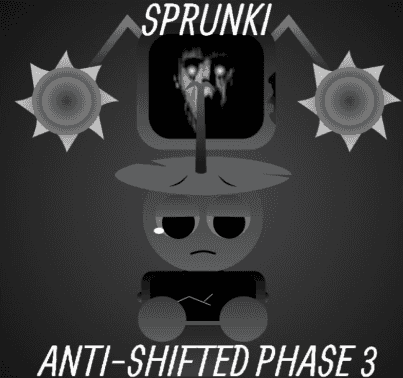
Sprunki Anti-Shifted: Phase 3
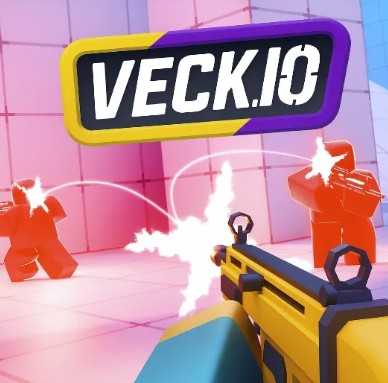
Veck IO
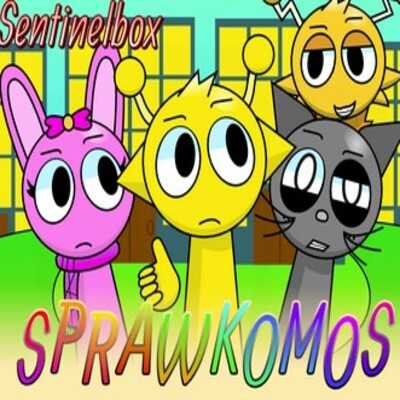
Sprawkomos Sprunki Mod
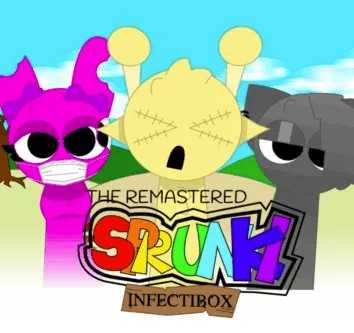
Sprunki Infectibox II: The Remaster
Sprunki - RBR Crew Mod

Sprunki Phase 2.5 Definitive
Explore Other Exciting Games
2048
Sprunki Phase 11
Sprunki 2048
Parasite (Incredibox Mod)
Sprunksters Episode 2: The Cave
Sprunki Wenda Treatment 3.0
Musical Melons – MelonBox V1
Dandy’s World Pyramixed Edition
Territorial.io
It's Not My Neighbor: Labubu
What Is Sprunki Phase 3 Jedi's Version?
It's a fan-made remix of Incredibox Sprunki Phase 3 with a Jedi-themed twist cooked up by Jedi's World Productions. You get a fresh batch of characters and sounds to layer into your own chaotic tracks. Think Phase 3's weird energy, cranked up with new flavor.
How to Play
Drop Characters Onto The Stage
Drag characters from the row below onto your performers to start layering beats. Each one adds a different vocal or rhythm loop.
Mix Up The Sound Layers
Stack up to seven characters at once to build a fuller track. Swapping them in and out changes the whole vibe instantly.
Hunt For Bonus Combos
Try specific character combos to unlock special animations or hidden sounds. Half the fun is stumbling onto something weird.
Use The Mute And Solo Buttons
Click the icons on active characters to mute individual layers or solo them for a quick spotlight. Great for tweaking your mix.
Record Your Best Tracks
Once you've got a mix you love, hit the record button to save it. Share the link with friends or replay it for laughs.
Tricks
Starting Strong
Begin with a single beat or vocal loop and build outward. Adding everything at once usually turns into noise fast.
💡Start with a bass or drum character first to lock in the rhythm.
Combo Discovery
The hidden animations usually trigger when you pair specific character archetypes. Swap one character at a time to isolate what triggers the surprise.
💡Keep a notepad handy when hunting combos so you remember what worked.
Mixing Balance
Too many vocal layers get muddy fast. Use the mute button to cut overlapping voices and let the beat breathe.
💡Solo individual layers to hear exactly what each character adds.
Recording Cleanly
Wait until your mix is fully built before hitting record. Starting and stopping mid-track will save the rough draft.
💡Give yourself a two-bar intro before recording to skip awkward silence.
FAQs
Is Sprunki Phase 3 Jedi's Version free to play?
Yep, it's totally free in your browser. No subscriptions, no paywalls, just click and play.
Do I need to download anything?
Nope. Everything runs right in your browser tab. No installs, no extra software.
Who made this mod?
It was put together by Jedi's World Productions as a fan remix of the Incredibox Sprunki Phase 3 experience.
What's different from regular Phase 3?
Jedi's Version adds new themed characters and fresh sound loops. The general drag-drop mixing system is the same, but the flavor is all new.
Can I play on mobile?
It works best on desktop since dragging is core to the gameplay. Mobile browsers might work but expect some fiddly tapping.
How do I unlock bonus combos?
Try mixing different character combinations. Specific pairings unlock hidden animations and sounds, but there's no cheat sheet handed out.
Can I save my mixes?
Yes, there's a record button that lets you save your mix as an audio file or shareable link.
Is this an official Incredibox release?
No, it's a fan-made mod built on the Sprunki concept. Not affiliated with the original Incredibox team.
Why does my mix sound weird or silent?
Some characters overlap awkwardly, or your browser might mute the tab. Check the volume and try swapping layers.
Does it work on school networks?
Since it's browser-based, most school filters won't block it. That said, your mileage may vary depending on your network.
How many characters can I use at once?
Seven is the sweet spot for a full mix. Anything beyond that and the game won't let you drop more onto the stage.
No Download Needed
Jump straight into Sprunki Phase 3 Jedi's Version from your browser tab. No installer, no extra files, no waiting around. Just load the page and start dragging characters onto the stage.
Why Play Sprunki Phase 3 Jedi's Version
Layer Beats Like A Weirdo
Drag-drop mixing gives you instant control to mash vocal loops and rhythms into your own chaotic tracks. No music skill needed.
Fresh Jedi Flavor
Jedi's World Productions cooked up new characters and sounds you won't find in standard Sprunki. The vibe hits different.
Zero Setup Required
Open your browser, hit play, you're mixing. No accounts, no installs, no waiting around for downloads.
Combo Hunting Is Addictive
Chasing hidden animations and surprise sounds turns every session into a little experiment. You keep saying 'one more try.'
Share Your Mixes
Built-in recording lets you save and share your weirdest creations. Perfect for sending cursed beats to friends.
Features
Jedi-Themed Character Roster
New visual designs and sound loops inspired by Jedi's World Productions. Each character brings its own loop personality to the mix.
Classic Sprunki Layering
All the drag-drop beat layering you remember from Incredibox, just with a heavier Phase 3 weirdness dial turned up.
Hidden Bonus Animations
Some character combos trigger surprise visuals on stage. Keeps you poking at new mixes just to see what pops.
Instant Browser Play
No downloads, no installs. Click the page and you're already dragging characters around in seconds.
Built-In Recording
Capture your mixes as audio right inside the game. Handy if you want to show off or save a goofy combo.