
Sprunki OC V3 – Make Weird Beats and Unleash Your Inner Producer
Play Sprunki OC V3 instantly in your browser - No download required!
Share Sprunki OC V3 with Friends!
Discover More Sprunki OC V3
2048
Sprunki Phase 11
Sprunki 2048
Parasite (Incredibox Mod)
Sprunksters Episode 2: The Cave

Sprunki Wenda Treatment 3.0
Musical Melons – MelonBox V1
Dandy’s World Pyramixed Edition

Territorial.io
It's Not My Neighbor: Labubu

Chibi Unicorn Dress Up

Tina - Pop Star

Sprunki Ice Mod - Aqua
Incredibox - Sprunki Pokemon
Sprunkibox-Sky’s MASSACRE
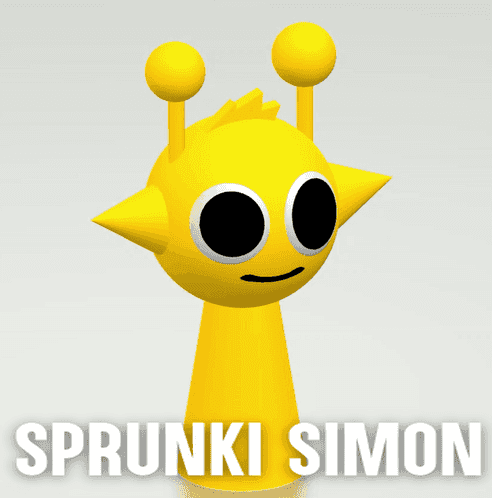
Sprunki Simon

Bite-Size Beats
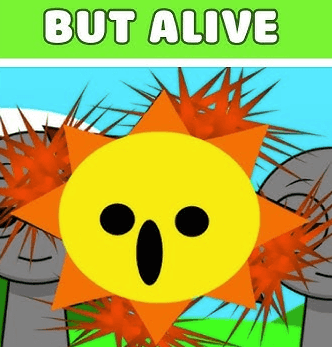
Sprunki Anti-Shifted But Alive
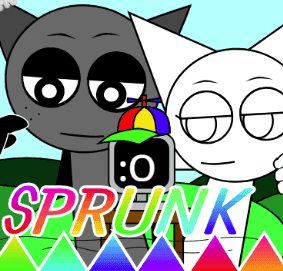
Sprunki Wenda’s Dimension
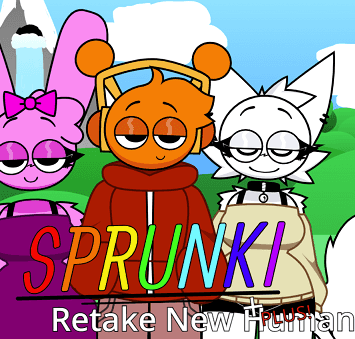
Sprunki Retake (New Human Version) with Bonus
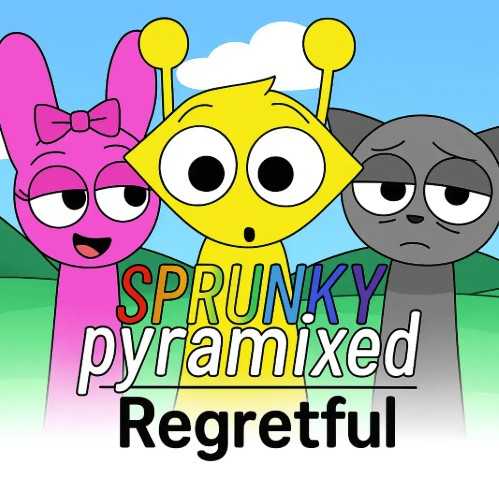
Sprunki Regretful 5.0
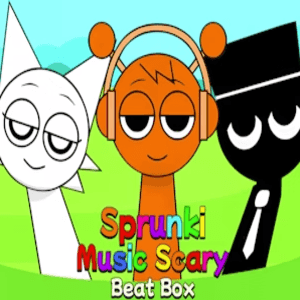
Sprunsi V1001
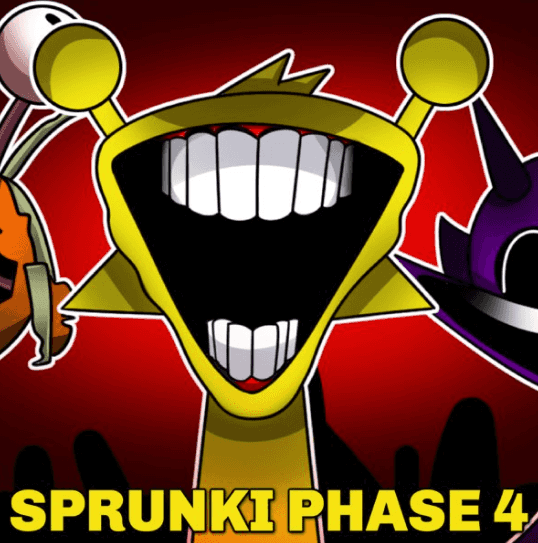
Sprunki.MSI Phase 4

Five Nights At Freddy's 2
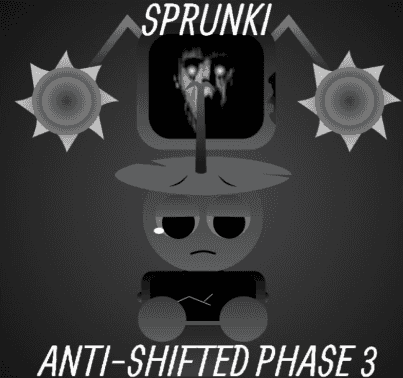
Sprunki Anti-Shifted: Phase 3
Veck IO
Sprunki Infectibox II: The Remaster
Wheelie Party
Sprunki Mother’s Nature Port
Sprunked Neogenesis
Explore Other Exciting Games
2048
Sprunki Phase 11
Sprunki 2048
Parasite (Incredibox Mod)
Sprunksters Episode 2: The Cave
Sprunki Wenda Treatment 3.0
Musical Melons – MelonBox V1
Dandy’s World Pyramixed Edition
Territorial.io
It's Not My Neighbor: Labubu
What is Sprunki OC V3?
Sprunki OC V3 is a music sandbox where you drag, drop, and stack character sounds into layered beats. Think of it like a sketchpad for audio, built for people who want to mess around with rhythm and melody without learning a DAW. Everything happens in real time, so what you hear is what you just made.
How to Play Sprunki OC V3
Pick your characters
Start by grabbing a few Sprunki OCs from the roster. Each one has its own vocal clips, loops, or weird noises baked in.
Drop them on stage
Drag characters onto the mixing area and watch them slot into the track. More characters means more layers in your beat.
Stack and swap
Swap characters in and out to remix on the fly. The track keeps playing, so you can keep building without stopping.
Tweak the tempo
Most sessions let you shift the BPM and mood. Try speeding it up or slowing it down to see how the same loop changes.
Save your masterpiece
When it sounds right, lock it in. Share the link with friends or jump back in later to keep tweaking.
What Makes It Cool
Character-driven sound design
Every Sprunki OC carries its own audio personality, so the roster acts like a menu of instruments you can rearrange.
Real-time layering
Drop a character and the sound lands instantly, letting you jam out rather than wait on a timeline.
Browser-native
Runs in your tab with no installs, so you can open it on any machine and start making noise in seconds.
OC remix culture
Built around community OCs, meaning the roster grows with whatever weird characters players cook up next.
Tempo and mood control
Speed up the loop, slow it down, or swap characters mid-beat to shift the entire feel of your track.
Why You Should Jump In
Make beats in minutes
Drop a few characters, hear a full loop. No tutorial, no setup, just instant sound.
Speed matters here
Swapping characters mid-beat flips the whole track, so fast reactions shape the final mix.
Sound as a sandbox
It feels less like a game and more like a toy box where every click reshapes the music.
No downloads, no hassle
Your browser is the engine, so you can play on any machine without hogging storage.
OC culture is wild
The roster is full of fan-made characters, so you never know what weird sound you will find next.
Sprunki OC V3 Questions, Answered
Is Sprunki OC V3 free?
Yep, you can play it in your browser without paying anything.
Do I need to download it?
Nope. It runs straight from the browser, so no installer, no waiting around.
What does OC mean?
OC stands for Original Character. The whole game revolves around custom characters with their own sounds.
Can I save my tracks?
Yes, you can lock in mixes and revisit them later or share them with friends.
Is there a way to slow down the tempo?
Most versions include tempo control so you can speed up or slow down the loop to match your vibe.
How many characters can I stack?
You can stack as many as the stage allows, but three to six usually gives the cleanest results.
Does Sprunki OC V3 work on school Chromebooks?
If your school blocks game sites, try the unblocked version linked on the page.
Is this related to the original Sprunki?
Yes, OC V3 is an evolution of the Sprunki music sandbox with new characters and tweaks.
Can I use my own characters?
The game is built around community OCs, so custom character support is part of the whole appeal.
Do I need music experience?
Not at all. If you can click and drag, you can make a beat.
Will my mix sound the same every time?
No, swapping characters changes the layers, so the same setup can sound totally different the next round.
Is there a mobile version?
Browser mobile support varies, but it works best on a laptop or desktop with a real cursor.
Jump Straight In, No Install Needed
Sprunki OC V3 runs entirely in your browser, so there is nothing to download or set up. Open the page, click play, and you are already building your first track. It works on most devices, so you can switch from your laptop to a school computer without missing a beat.
Sprunki OC V3 Tricks Worth Knowing
Start with a rhythm base
Drop two or three characters with strong percussion loops first. A solid rhythmic backbone makes the rest of the layers click into place.
💡Pick loop-heavy characters before melodic ones.
Swap mid-loop for chaos
Pull a character out mid-beat and watch the track rearrange. The remaining layers shift to fill the gap, creating new patterns you did not plan.
💡Try removing the loudest character and see what stays.
Use tempo shifts for mood
Slowing the BPM turns a hyper beat into something moody. Speeding it back up flips the energy fast.
💡Drop the tempo during a melodic stack for instant chill vibes.
Less is more sometimes
Stacking every character turns the mix into mush. Trimming back to four or five clean layers usually sounds way better.
💡Remove one character at a time and listen for clarity.