




FNF Sonic Jam: Beat the Blue Blur in This Rhythm Showdown
Play FNF Sonic Jam instantly in your browser - No download required!
Share FNF Sonic Jam with Friends!
Discover More FNF Sonic Jam
2048
Sprunki Phase 11
Sprunki 2048
Parasite (Incredibox Mod)

Sprunksters Episode 2: The Cave

Sprunki Wenda Treatment 3.0
Musical Melons – MelonBox V1

Dandy’s World Pyramixed Edition

Territorial.io
It's Not My Neighbor: Labubu

Chibi Unicorn Dress Up

Tina - Pop Star

Sprunki Ice Mod - Aqua
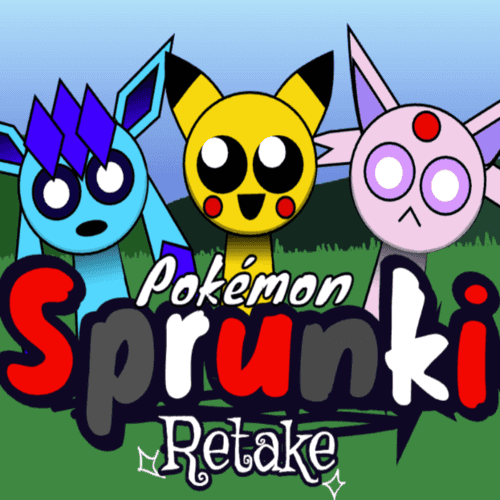
Incredibox - Sprunki Pokemon
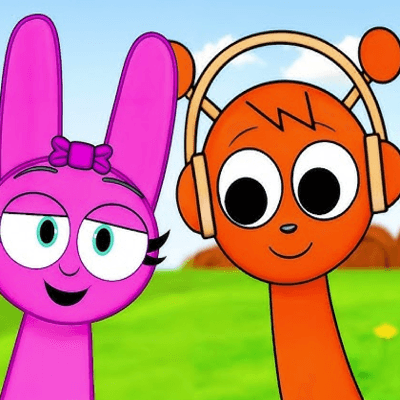
Sprunkibox-Sky’s MASSACRE
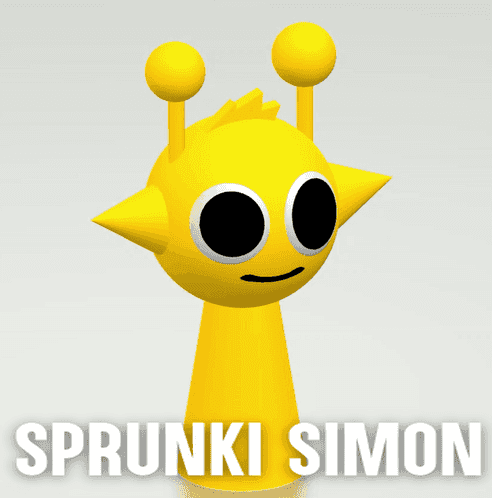
Sprunki Simon

Bite-Size Beats
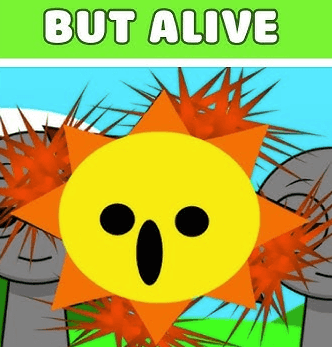
Sprunki Anti-Shifted But Alive
Sprunki Wenda’s Dimension
Sprunki Retake (New Human Version) with Bonus
Sprunki Regretful 5.0
Sprunsi V1001
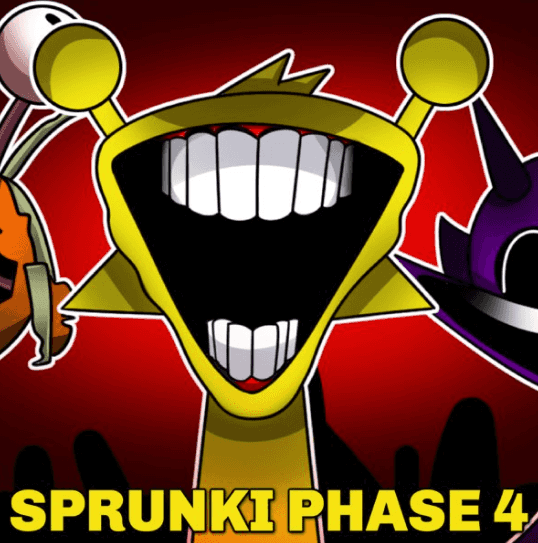
Sprunki.MSI Phase 4

Five Nights At Freddy's 2
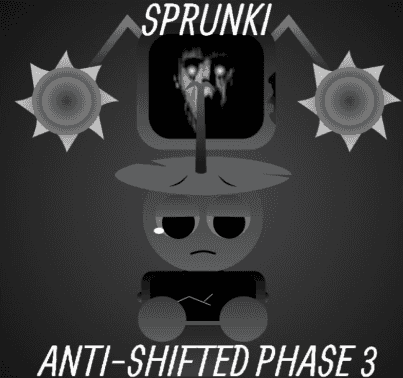
Sprunki Anti-Shifted: Phase 3

Christmas Rhythm Perfect Piano
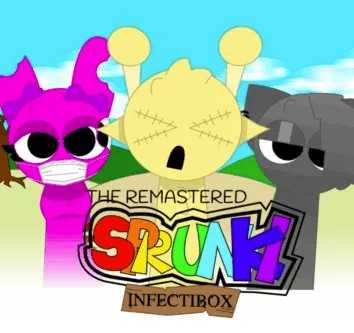
Sprunki Infectibox II: The Remaster
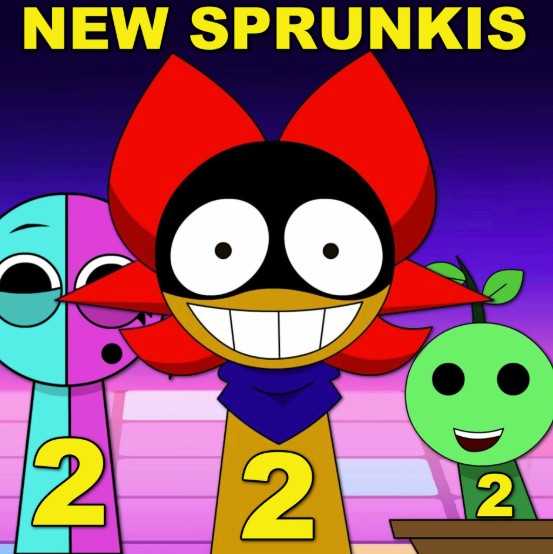
Sprunki Space Phase 3

Sprunki Sorrowful Demises
Sprunki Mother’s Nature Port
Explore Other Exciting Games
2048
Sprunki Phase 11
Sprunki 2048
Parasite (Incredibox Mod)
Sprunksters Episode 2: The Cave
Sprunki Wenda Treatment 3.0
Musical Melons – MelonBox V1
Dandy’s World Pyramixed Edition
Territorial.io
It's Not My Neighbor: Labubu
What is FNF Sonic Jam?
FNF Sonic Jam is a fan-made crossover mod that drops Sonic the Hedgehog into the arrow-key duels of Friday Night Funkin'. You match notes against Sonic himself while classic-inspired tracks push the BPM higher and higher. It's a love letter to both speedrun culture and rhythm-game muscle memory.
How to Play FNF Sonic Jam
Load the page and tap start
Open the game in your browser, click to enable audio, and hit play when the title screen stops teasing you. The first track kicks off almost immediately.
Match arrows as they scroll up
Press the matching arrow key (or WASD) exactly when the note hits the target line at the top. Timing is everything, even a frame early counts against you.
Read the character tells
Watch Sonic's mouth and the note chart together. Anticipating patterns beats pure reaction once the speed ramps up.
Survive the crossover tracks
Later songs throw alternating patterns, faster streams, and tricky holds at you. Stay loose in the wrists and don't panic-mash.
Win rounds to advance
Hit enough notes to outrank your opponent in each showdown, then move to the next song. Missing too many and you'll see that dreaded game-over screen.
Replay to chase perfection
Go back to earlier tracks to clean up combos or push for a flawless run. The chart layout stays consistent between attempts.
Features of FNF Sonic Jam
Sonic-styled tracks and remixes
Original compositions lean into Green Hill chiptune energy while twisting into modern rhythm-battle structure. Each track feels like a boss theme.
Animated crossover showdowns
Boyfriend squares up against Sonic with full animated portraits, idle bobs, and reaction poses. The visuals sell the duel.
Escalating difficulty curve
Songs start approachable but stack patterns fast. You'll be juggling streams and holds by the later rounds.
Browser-only, zero install
Runs on HTML5 with no downloads, no sign-ups, and no client patches. Just open and play on whatever machine you have.
Save-free scoring focus
Your score, combo count, and accuracy are right on the HUD. Reset and chase higher numbers whenever you want.
Why You Should Play FNF Sonic Jam
Pure speed-energy soundtrack
Tracks aim for that Sonic rush. Fast tempos, bright synths, and momentum that never lets up.
Easy to pick up, tough to master
Arrow keys only, but later charts punish sloppy timing. Great for both casual clickers and combo chasers.
Crossover fanservice done right
Portraits, taunts, and theme riffs all nod to Sonic lore without feeling like a cheap reskin.
Zero friction to start playing
Open the page, press a key, and you're battling the blue blur within ten seconds. No accounts, no installs.
Score-chasing replay value
Going for full combos or perfect accuracy on later songs keeps you retrying just one more run.
FNF Sonic Jam Frequently Asked Questions
Is FNF Sonic Jam free to play?
Yes, the mod runs free in any modern browser. No subscription, no microtransaction wall.
Do I need to install Friday Night Funkin' to play this?
Nope. FNF Sonic Jam is a standalone browser build, so the base game isn't required.
What are the controls?
Arrow keys or WASD map to the four note lanes. Enter usually starts the song and Esc pauses.
Can I play FNF Sonic Jam unblocked at school?
If your network allows the host site, yes. Some school filters still block it, so a personal hotspot is the easy workaround.
Who made FNF Sonic Jam?
It's a fan mod by the FNF community, not an official Sega release. Credit usually appears in the title or credits screen.
How many songs are included?
The base release ships with several rounds, each escalating in tempo and note density. Mods sometimes add bonus tracks.
Does it work on mobile?
Phones load the page, but tap-to-lane controls are rough on small screens. A laptop or desktop is the smoother experience.
What happens if I miss too many notes?
Your health drains until you lose the round. Hit more notes than Sonic to keep the bar in the green and win.
Are there different difficulty options?
Some versions include easy, normal, and hard toggles. Others ramp the chart from mellow to brutal in one track.
Can I remap the keys?
Key rebinding depends on the specific port. Many browser versions stick to arrow keys and WASD only.
Will it save my progress?
Progress is usually session-based in the browser version. Clearing cookies may reset unlocked tracks.
Is there multiplayer or is it single player?
Standard releases are solo against the CPU Sonic. Community mods occasionally add versus or co-op modes.
Play FNF Sonic Jam in Your Browser
Skip the install step entirely, FNF Sonic Jam runs straight from your browser like any normal webpage. Load the URL, give it a click to wake up the audio, and the first track is already queuing. It works on most laptops, Chromebooks, and office PCs without touching your hard drive.
Tricks for FNF Sonic Jam
Warm up with slow charts first
Replay the opening track a few times before tackling the tougher songs. Locking in consistent timing early carries into harder patterns.
💡Restart the first song until you hit above 90% accuracy before moving on.
Use wrist taps, not whole-arm slams
Snappy inputs come from the wrists, not the elbows. Tense arms cause missed frames and fatigue fast.
💡Keep your hands floating just above the keys during break sections.
Read the chart, not the arrows
Glance at upcoming notes a beat ahead so you prepare finger positions before they hit the bar. Pure reaction lags behind at 180 BPM.
💡Train your eyes to follow the scroll one full lane ahead of the timing line.
Don't chase perfect runs immediately
Focus on clearing songs without draining health first. Once you can pass cleanly, then start aiming for full combos.
💡Reset on early misses instead of digging deeper into a lost run.